
Desktop appFree and open source
From 3D models,
photographs and terrain
to ink on paper
Atlas Toolkit expands the creative possibilities of your pen-plotter projects. Turn 3D models, photos and terrain into line drawings, transform and reshape geometry, and prepare your work for plotting. Chain the tools visually into workflows of your own.

01 About
From first idea to plotter-ready art
All in one app
Atlas allows chaining multiple tools in one cohesive workflow, where every tool works the same way and every result can be made again.
i.Aim
Take a drawing from first idea to a file the plotter can draw well, without leaving one app.
ii.Approach
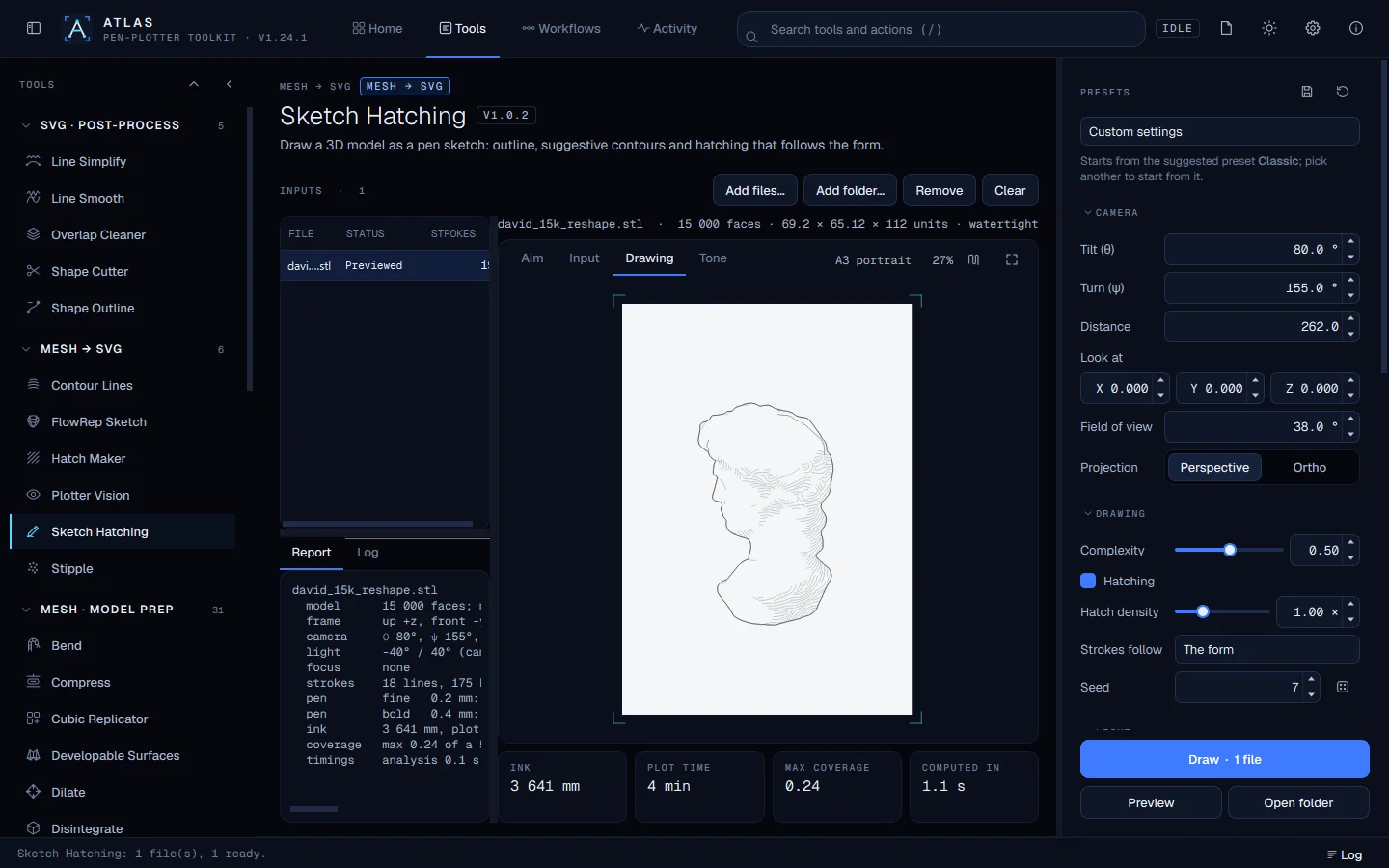
Every tool works the same way: a queue of files, a live preview, presets, and the same settings in the window, on the command line and in workflows. Randomness is seeded, originals are never changed, and each output records the tool that made it.
iii.Focus
Lines and physical paper. Drawings are measured in millimetres, hidden lines are really removed, and strokes are ordered to cut pen travel. 3D sculpting tools give those lines something worth drawing, and export real geometry you can also print.
02 Who it is for
For people who make things with lines
No code needed, and nothing hidden from those who want it: every tool also runs from the command line.
- 01
Pen-plotter artists
Drawings sized in millimetres for your paper, with hidden lines removed, duplicates cleaned and pen travel cut.
- 02
3D & generative designers
Seeded tools, batch runs over whole folders and visual workflows that make a new variation at a click.
- 03
Illustrators and printmakers
Engraving, hatching, stipple and sketch styles from a model or a photograph, ready for paper.
- 04
Hobbyists and 3D-print makers
3D sculpting tools transform a model into something new and unique, and return real geometry as STL, OBJ or PLY, in the model's own units.
- 05
Map and terrain makers
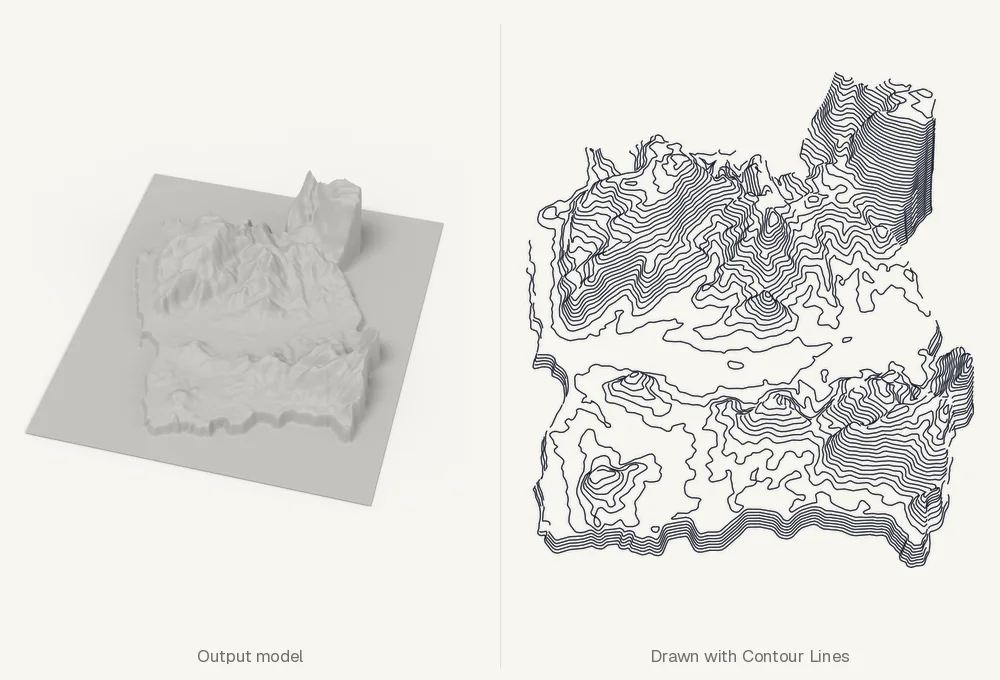
Elevation data becomes 3D-printable relief and contour drawings, with no GIS software needed. New tools are on the way to make this even more powerful.
03 Inputs
Three kinds of input, one way of working
Atlas reads 3D meshes, terrain as elevation rasters, and ordinary images. Whatever comes in, each tool gives you a live preview and leaves the original file untouched.
3D meshes
Scans, sculptures and models of any kind, kept in their own units. Most of the tools start here.
Terrain
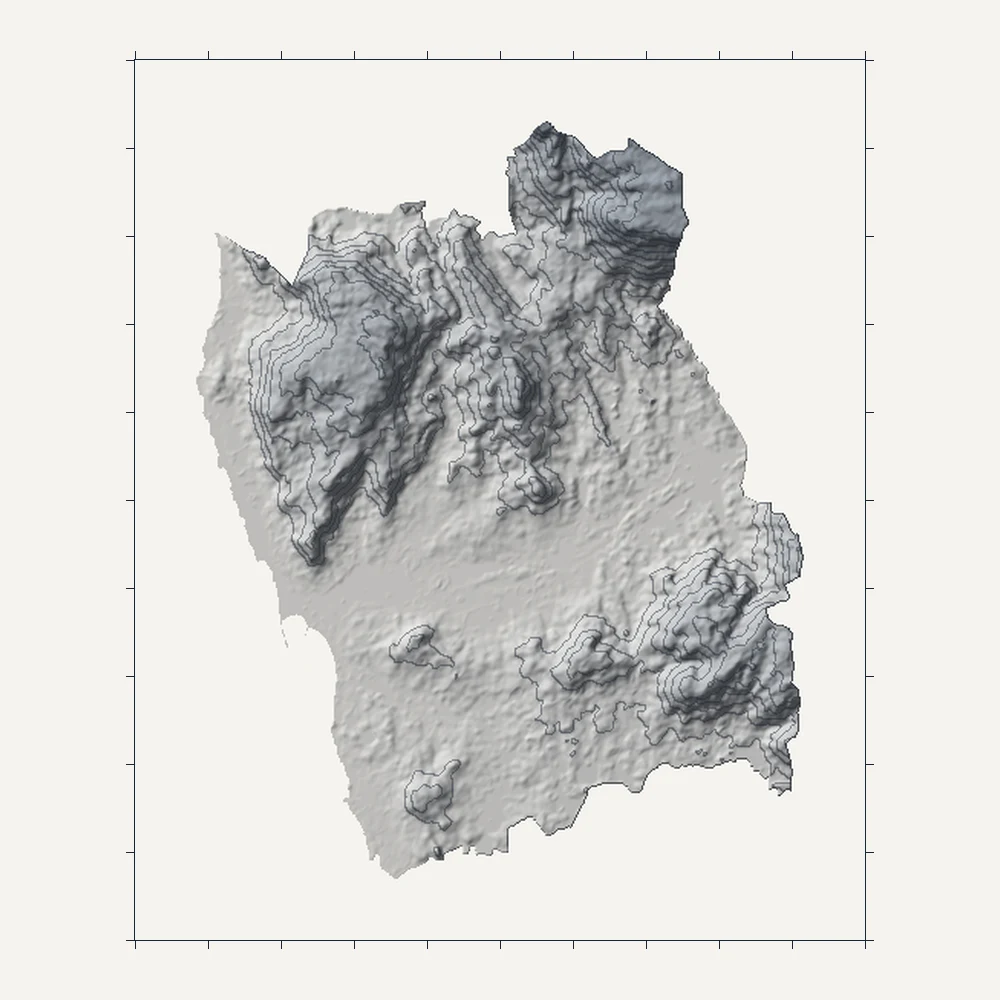
Elevation data as a georeferenced raster, with its coordinate system, metric scale and masks. No GIS software needed.
Images
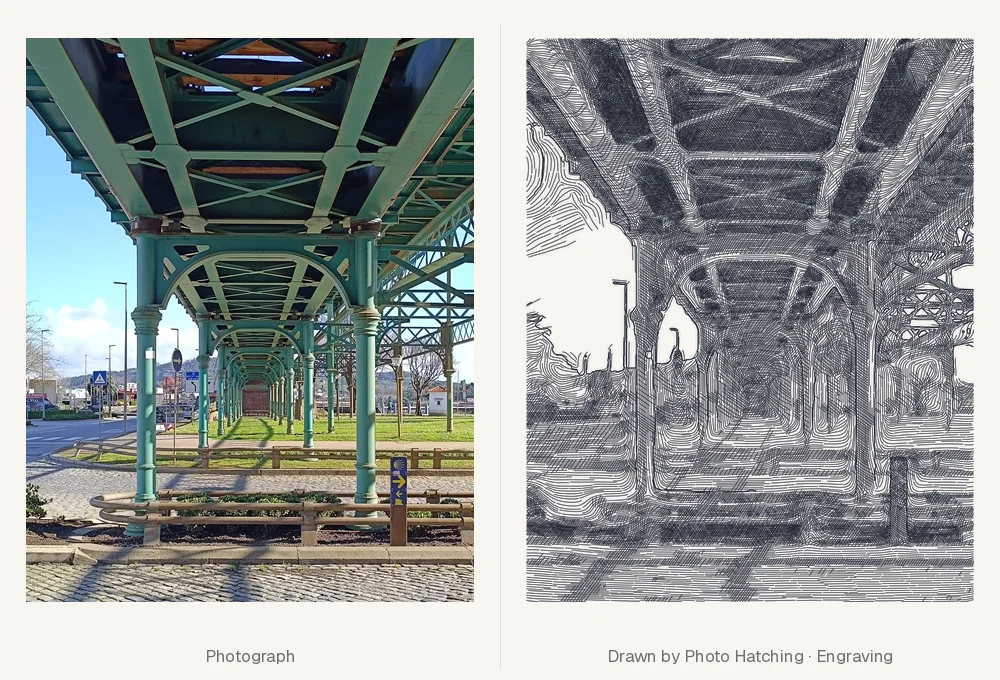
Photographs, illustrations and heightmaps, to hatch by their depth or to raise into relief.
04 What you can do
Options, not a fixed pipeline
Each input opens its own set of tools. Use one on its own, or combine several in a workflow; nothing has to happen in a set order.
Sculpt it, draw it, or both
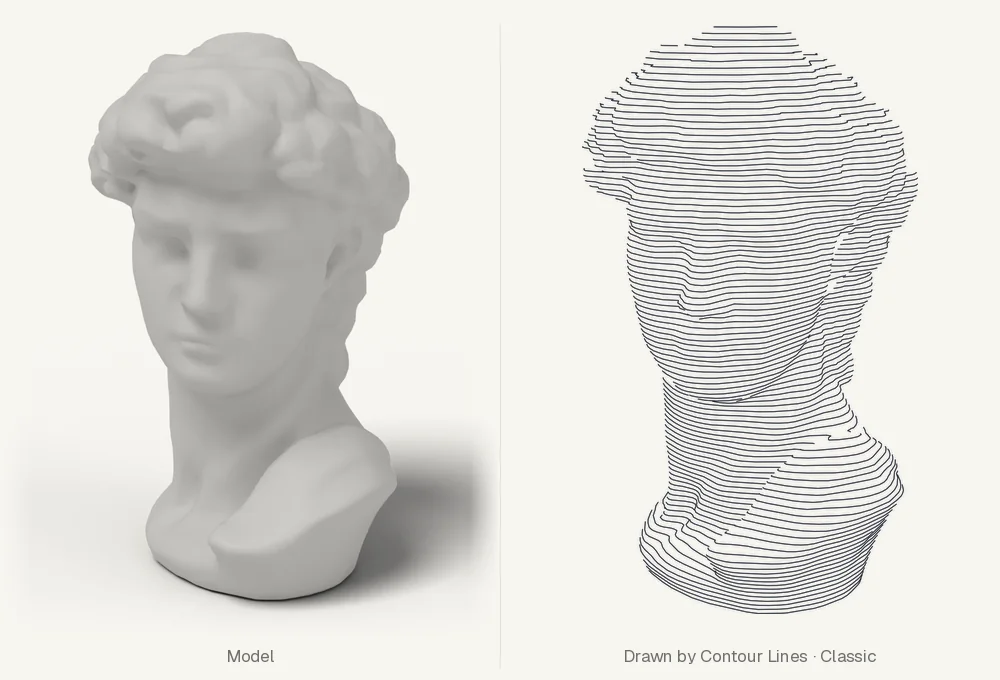
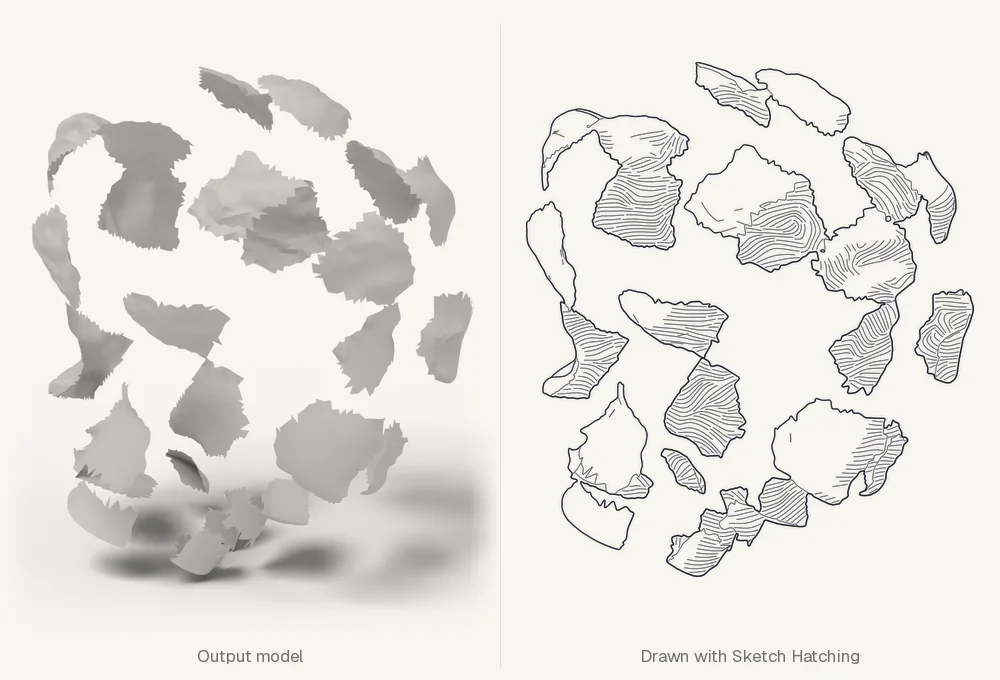
The heart of Atlas. Thirty-three tools reshape a model and return real geometry you can draw or 3D-print: bend, melt, twist, carve, grow, fragment, multiply or fuse. Six drawing tools turn any model, sculpted or not, into line art with hidden lines removed, through a camera you aim live.
- 33 sculpting tools, in six families
- 6 ways to draw a model
- STL · OBJ · PLY out, in the model's units
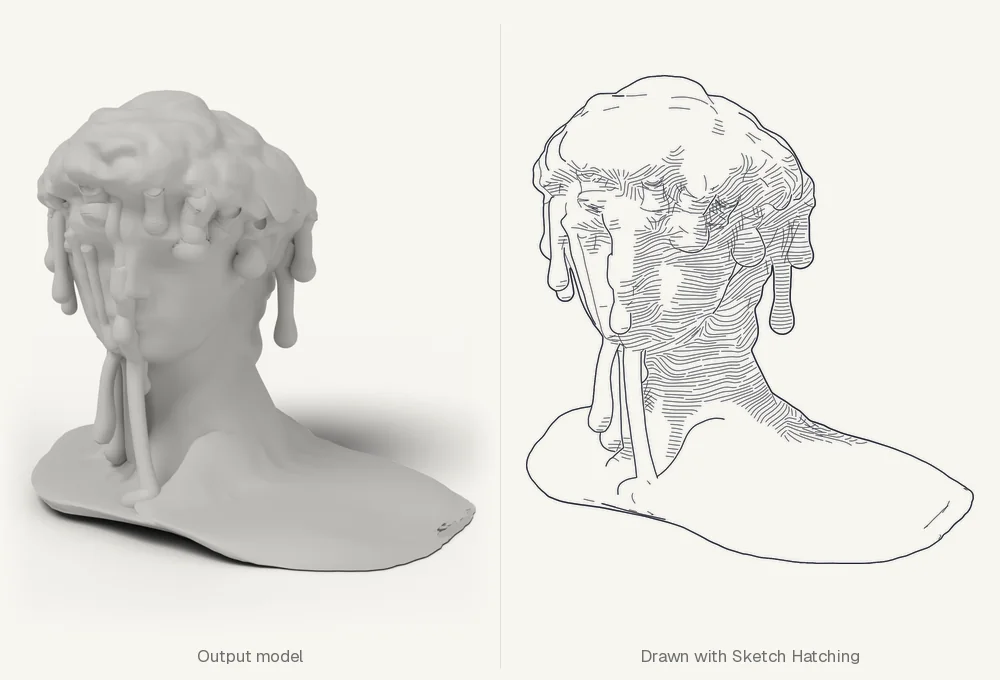
Model the land
Raster DEM to Mesh turns elevation data into faithful, smooth, faceted or terraced terrain, as a printable solid or an open surface. From there every mesh tool applies.
Hatch it, or raise it
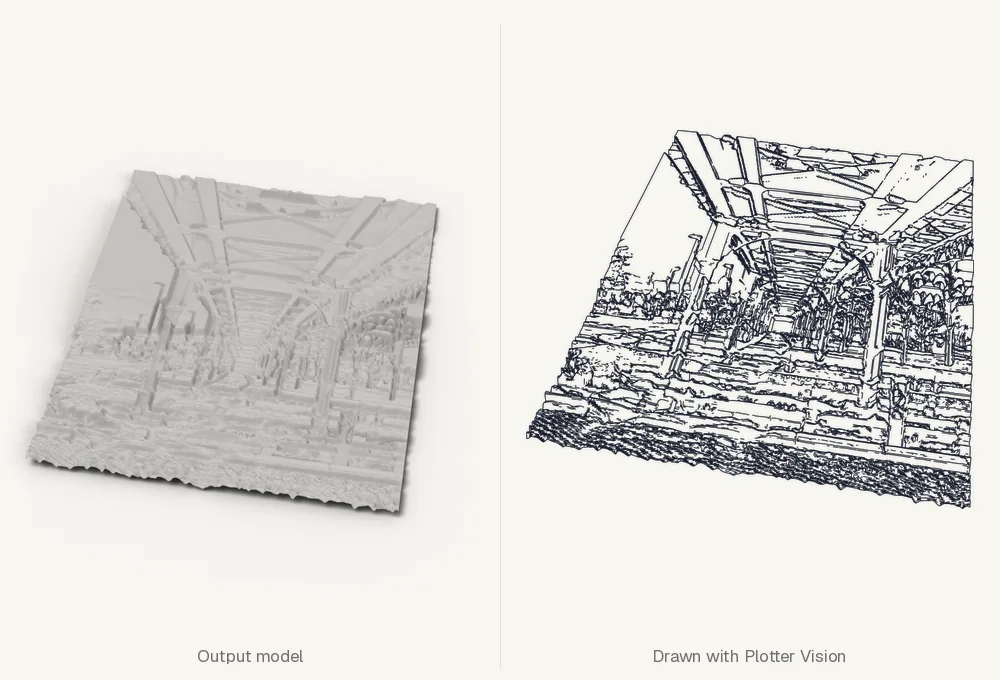
Photo Hatching reads a photograph's depth so its strokes follow the forms. Image to Mesh raises photos, illustrations and heightmaps into relief, ready to sculpt or draw.
Any SVG
Refine for the plotter. Whatever made the drawing, five tools clean, smooth, simplify, cut and outline it in millimetres, so every line is plotted once.
05 Workflows
Chain tools into one visual pipeline
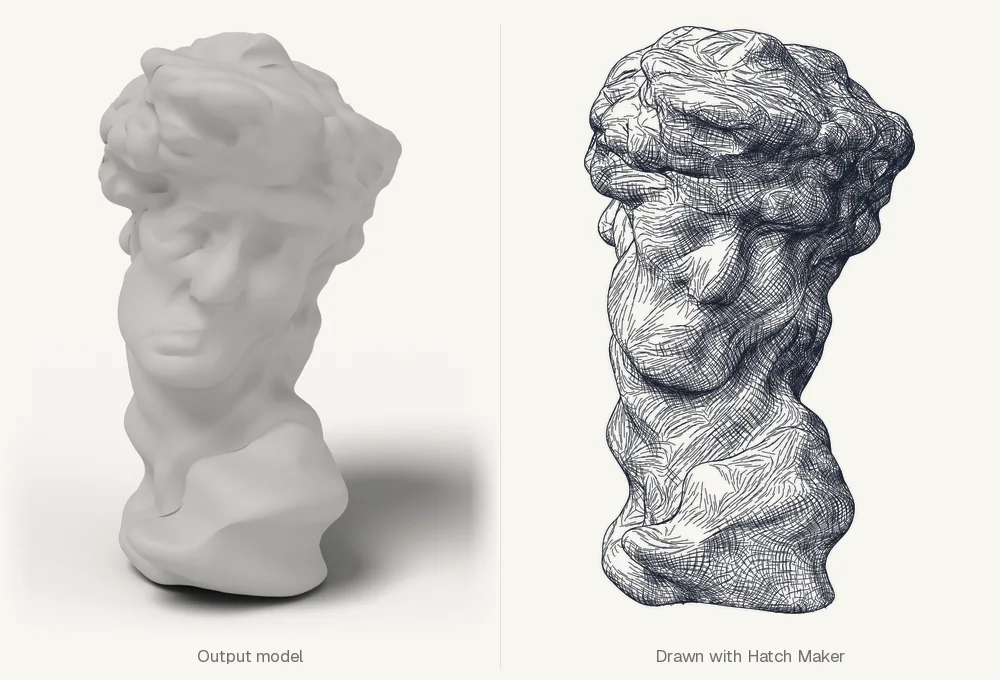
The Workflows tab joins tools as steps on a canvas, with the same presets and settings as on each tool's page. Check it, run it once, or over a whole folder. Here a bust is wrung, shaded in cross-hatching and cleaned for the pen.
- Ink drawn twice
- cut
- Stroke ends
- joined
- Layers, ids
- kept
- Paper
- A3
- Units
- mm
- Pens
- 1 layer
Scroll the canvas sideways to follow the chain.
The workflow saves your drawing only when you click "Save".Intermediate results stay in a cache, so steps that did not change are not run again.
New variation.Run again with new random seeds and the same settings; every variation is kept and its seeds logged.
Window, workflow or command line.The same tools and the same settings, wherever you run them.
06 Combine
Two meshes, three chains, designs no single tool makes
One output can feed several steps, and some tools take a second model through a side port. Branch a workflow to try one form in several directions, or fuse two forms into one new shape, then draw each in its own line.
InputsSculptDraw
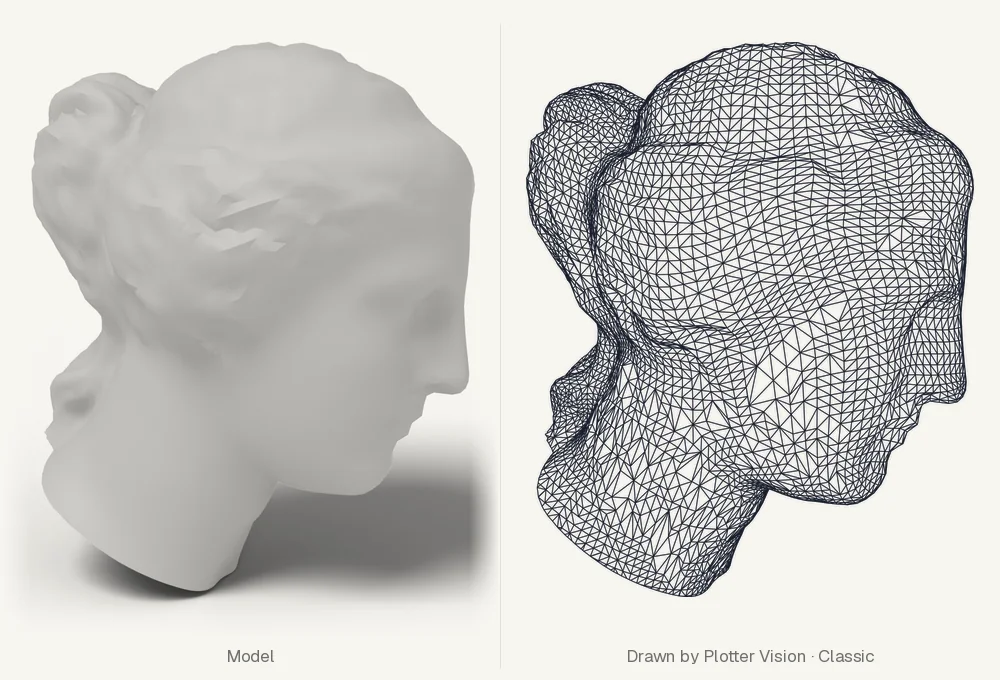
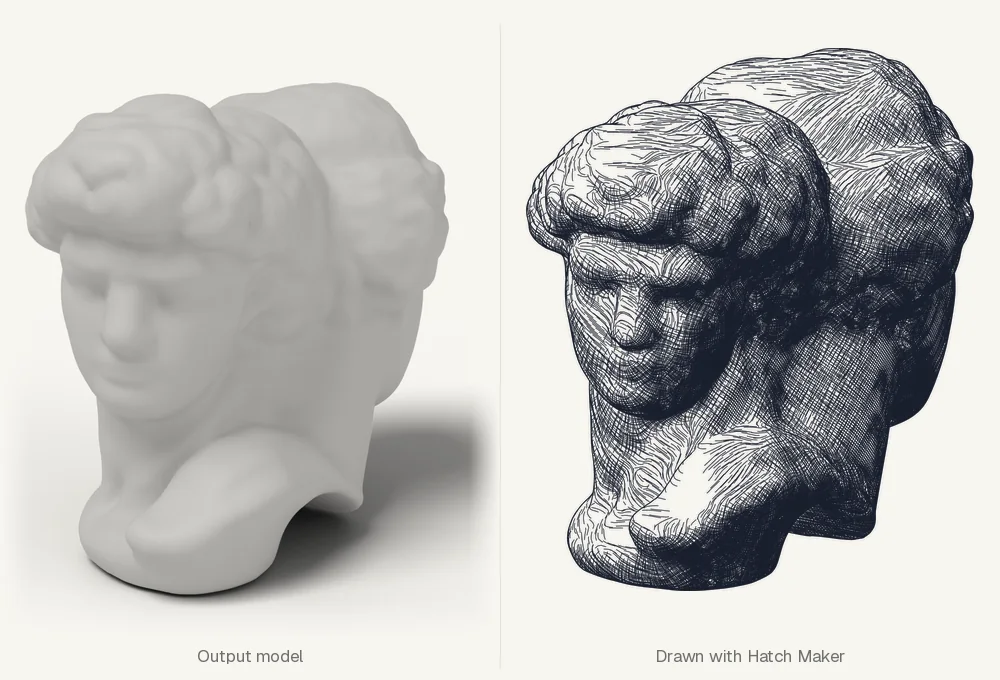
Scroll the canvas sideways to follow the branches.
Side ports.A tool's file settings, such as a second model or a cutting shape, become inputs another step can feed.
Aim in the tool.Open any step in its own page to set the camera or view, then bring the settings back.
Named by the chain.Each saved file is named after the steps that made it, or by a template of your own.
07 The tools
Forty-eight tools, one way of working
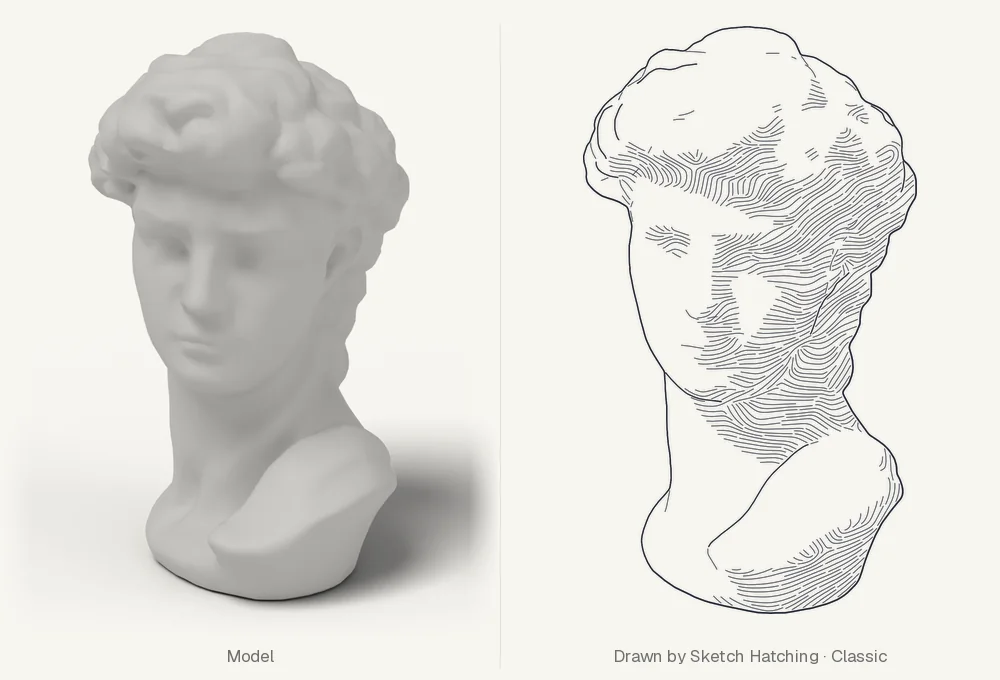
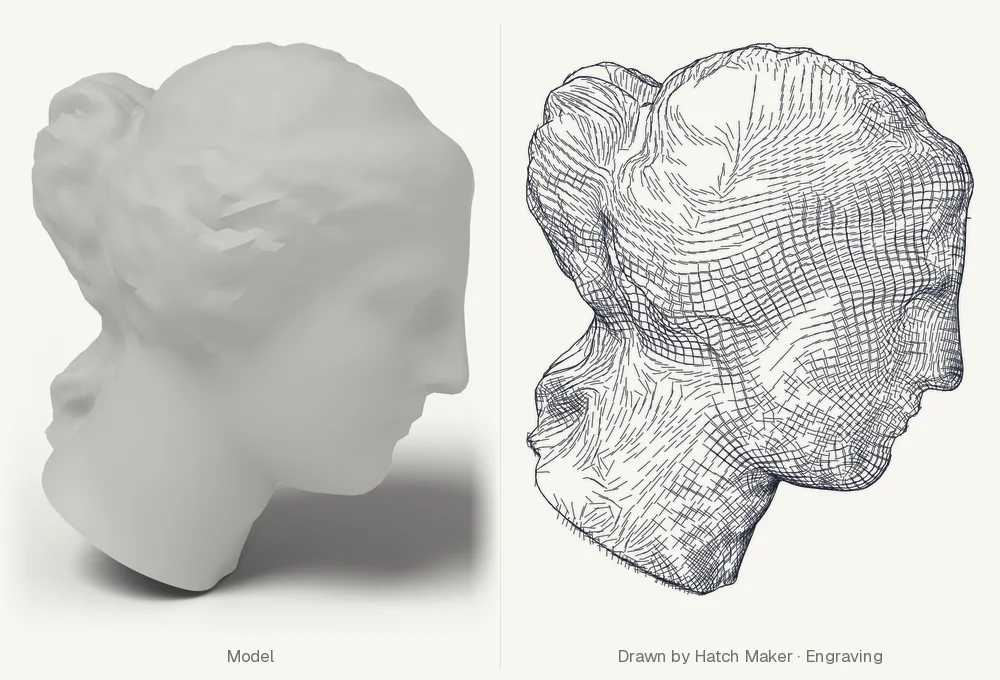
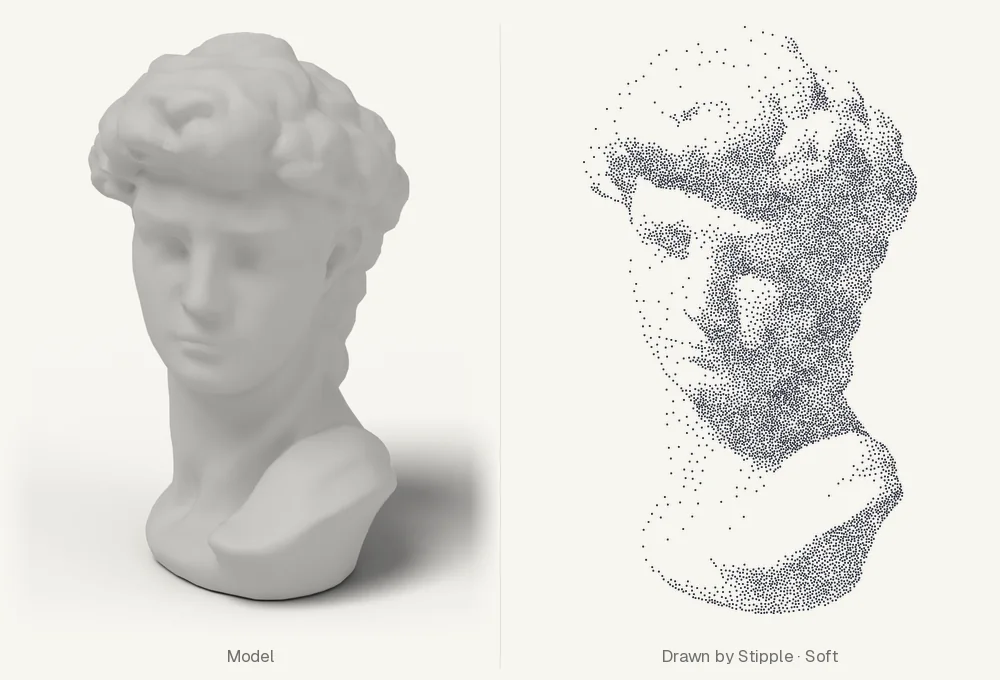
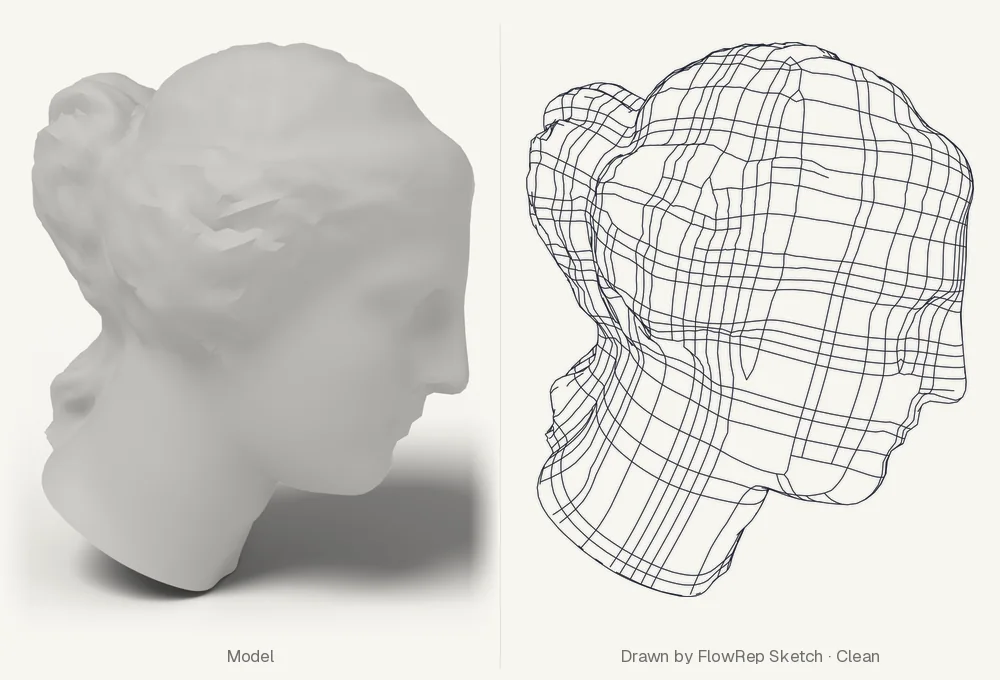
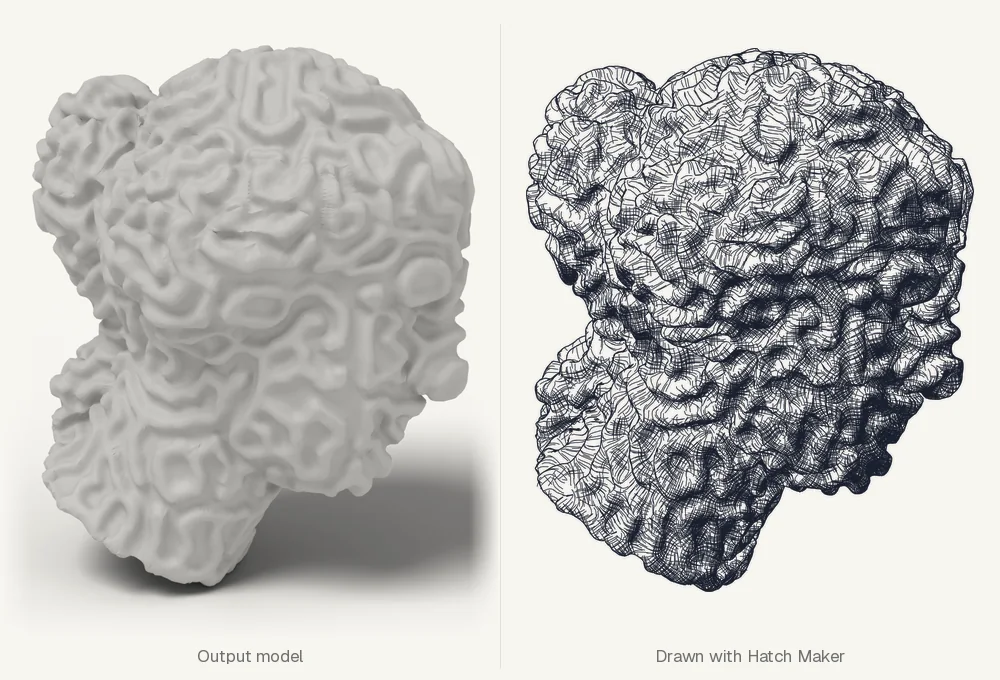
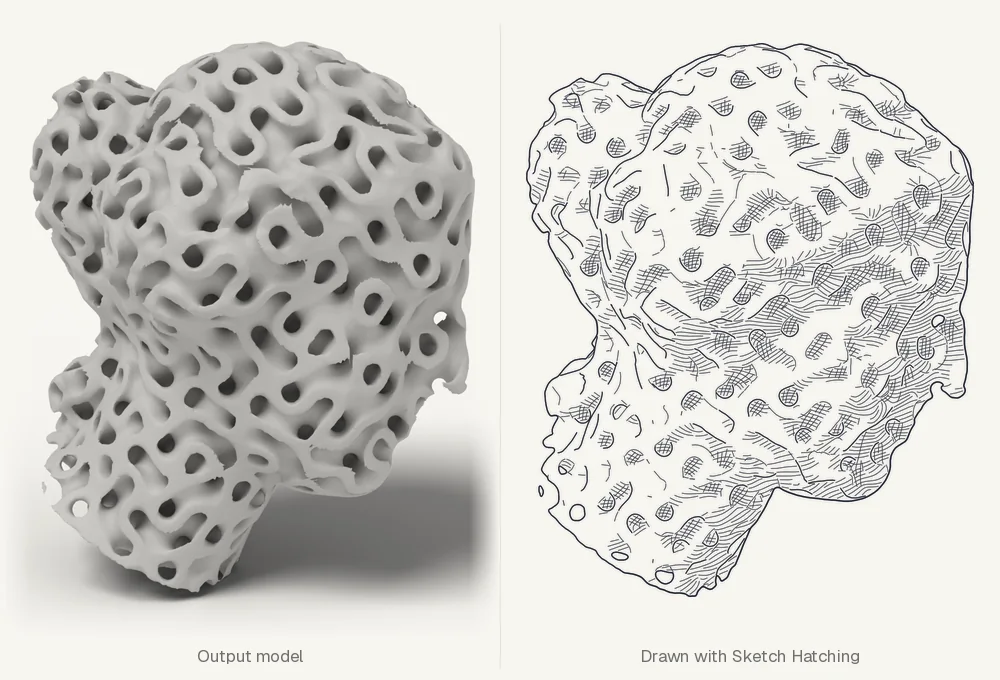
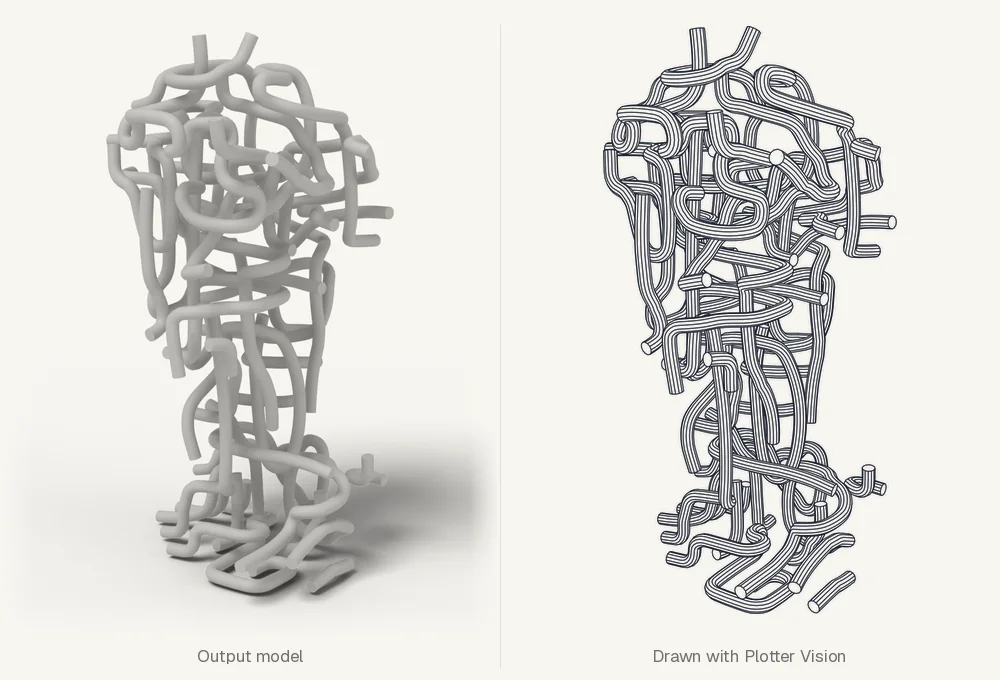
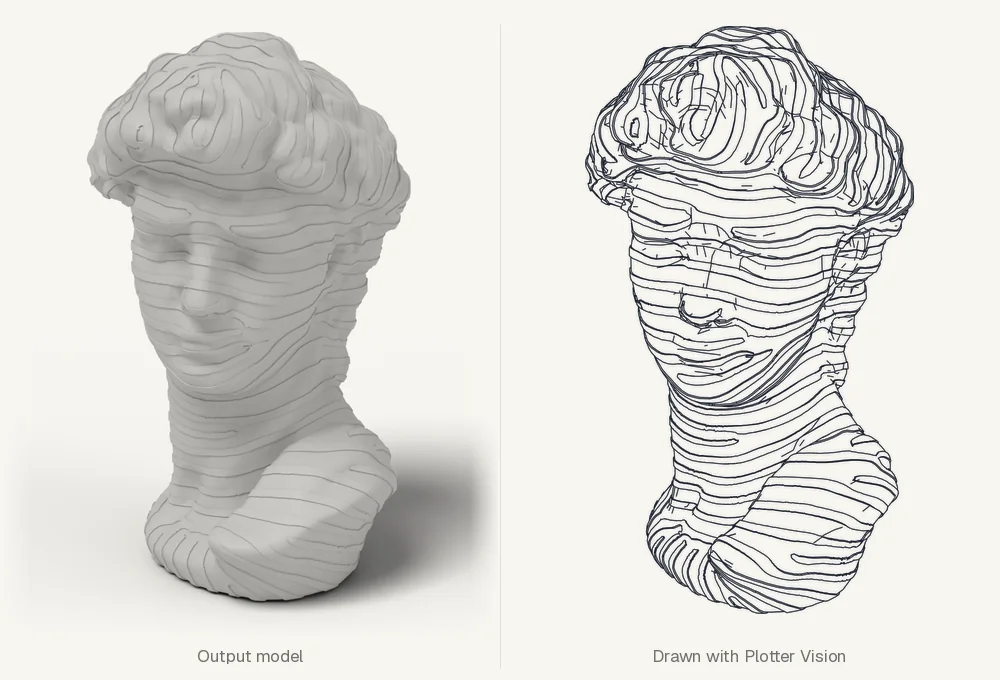
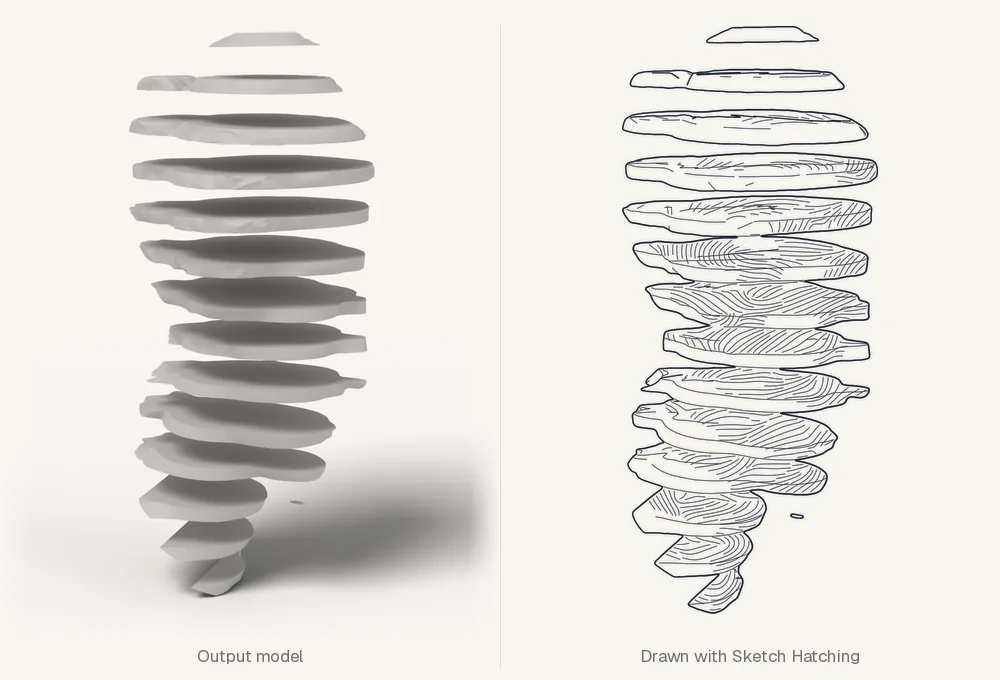
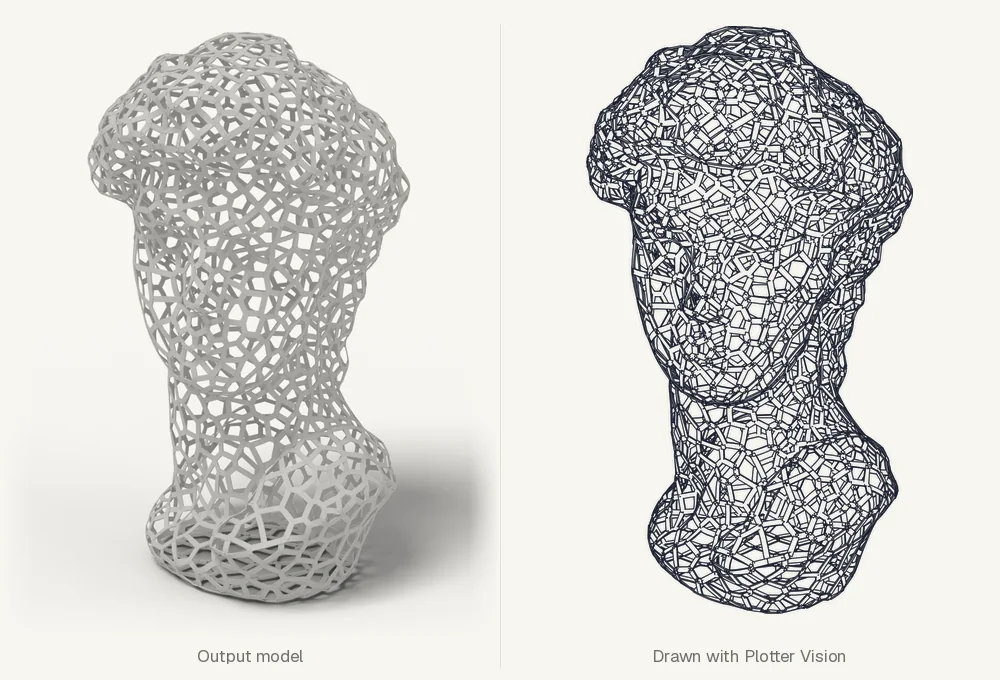
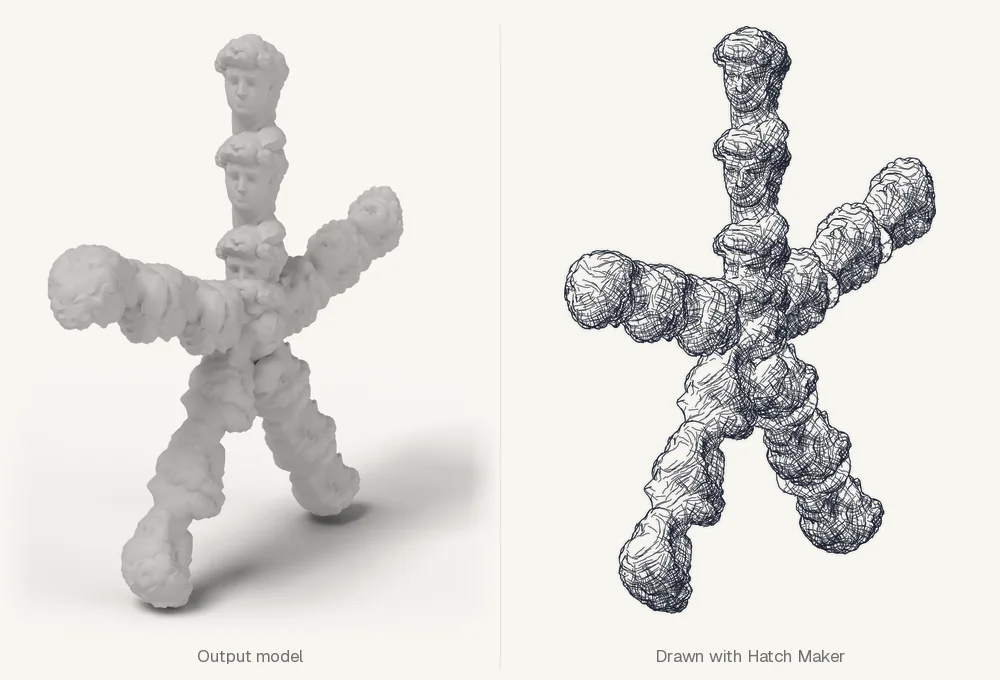
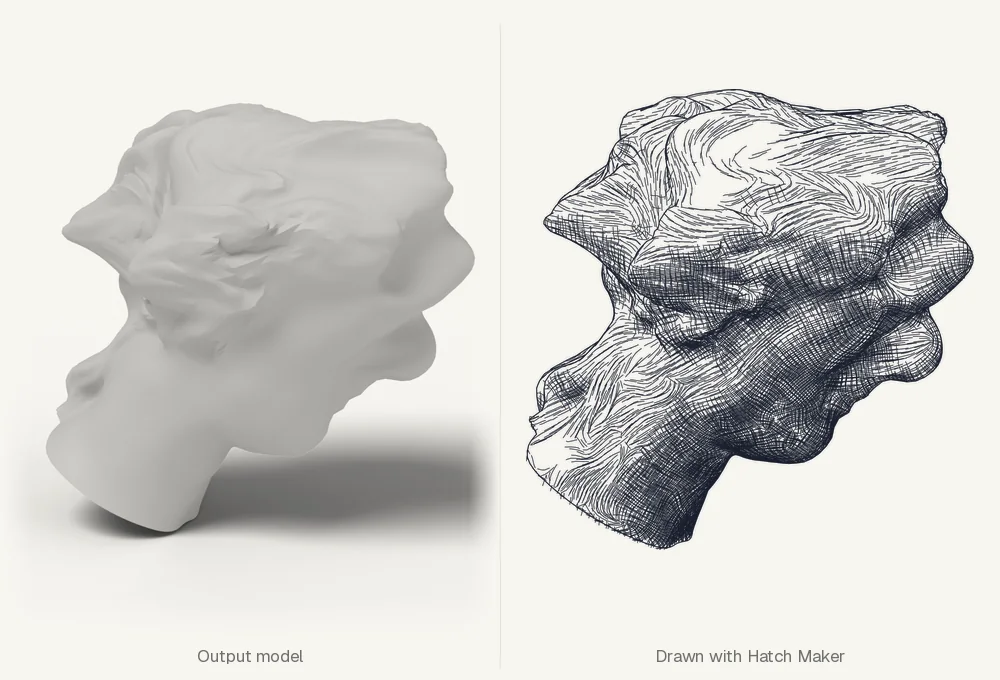
A selection from each group. Every result here is drawn by the drawing tool that suits it best.
Draw from 3D
six toolsTurn a model into line art, sized for your paper, with hidden lines removed. Aim the camera live.
Photographs and terrain
three toolsHatch a photograph by its depth, or raise images and elevation data into real relief.
Transform and sculpt
thirty-three toolsTransform a model and return real geometry, in six families. Many save a sequence of stages for a series of plates.
Prepare and cut
Remesh/Decimate, Plane Cut, Mirror.
Deform
Bend, Twist, Flow Warp, Melt, Dilate, Compress, Motion Sculpture, Developable Surfaces.
Surface and relief
Surface Texture, Surface Stripes, Reaction-Diffusion Growth, Ribbon Wrap.
Carve and fill
Holes, Rods, Porous Forms, Pipe Fill, Voxelize Fill, Voxelizer, Stair Sculpt, Skeleton Shell.
Fragment and separate
Mesh Shatter, Disintegrate, Surface Eject, Surface Peel, Strata Sculpt, Grid Slicer, Crumble.
Multiply and combine
Cubic Replicator, Form Replicator, Shape Fusion, Dual Fusion.
Refine for the plotter
five toolsThe last step before the pen. They work on any SVG and keep its layers, ids and styles.
- Overlap CleanerCuts ink drawn twice, so every line is plotted once.
- Line SmoothRemoves sawtooth and jagged linework within set limits.
- Line SimplifyFewer vertices within a physical error limit.
- Shape CutterKeeps the lines inside or outside a closed shape.
- Shape OutlineOne closed outline around a drawing, with a margin.
Every tool is described in the catalogue on GitHub.
08 Presets
Start from a look, not a blank page
A preset is a tool's settings, saved under a name. Nearly 400 have been tuned for Atlas, at least five for every tool and each clearly unlike the others. Pick one and the drawing changes at once; adjust it from there, or save your own.
One tool, eight presets
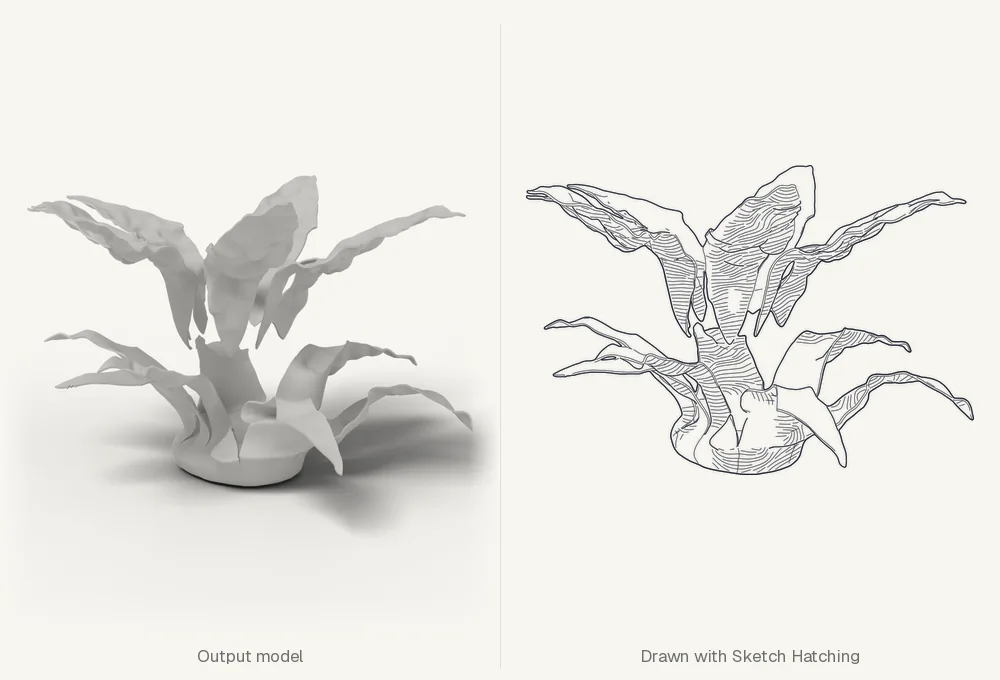
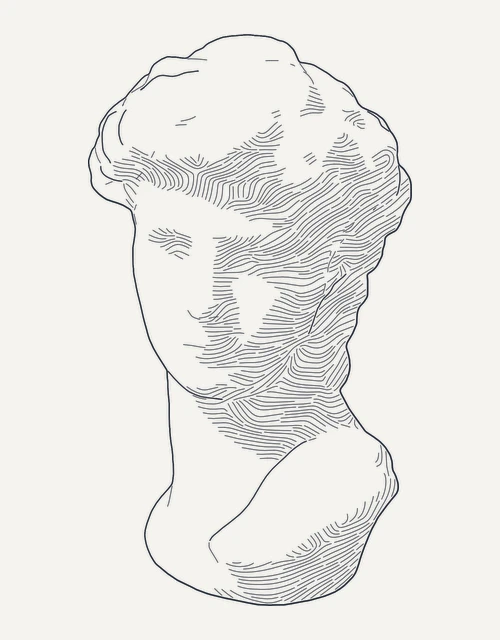
Sketch Hatching
A hatched pen drawing, its shading laid in three passes of tone.


Preset packs
Presets come in packs. One is free; the larger ones are paid, and buying one is the most direct way to support Atlas Toolkit's development.
- Free
Basic
A starting preset for every tool.
- € 19 · 12 months of updates
Essentials
Three presets per tool, chosen to cover its range.
- € 39 · 12 months of updates
Complete
Every preset: five or more per tool, nearly 400 in all, Essentials included.
Packs install with a drop on the window and are signed, so the app shows them as official. What you draw with them is yours, to print, exhibit or sell.
09 Releases
The first public release is out. Download it for Windows, macOS or Linux.
Atlas is still growing: follow the repository on GitHub for new releases, or get an early-access pass for builds before they go public.
- Windows10 or 11, 64-bit · Setup .exeNow
- Linuxx86-64 · .deb, .rpm or .AppImageNow
- macOS15 or later, Apple Silicon · .dmgPreview
- From sourcePython 3.12 or later, on any of the threeNow